Built to change how people meet
ThinkMatch was built with one goal in mind: to use AI to transform real-world social interaction and make loneliness and the awkwardness of meeting new people obsolete. It makes meeting feel easier, warmer, and more intentional by helping people find the right person, group, or table before they walk into the room.
Free events at 500,000+ venues
ThinkMatch is free to use whether you join an event or create your own. The platform supports weekly events at 500,000+ venues nationwide, including restaurants, bars, schools, places of worship, and other real-world gathering places.
For guests and hosts
Guests can find events, answer questions, get matched, chat, video, and arrive with more confidence. Hosts can create public or private events, choose questions, invite people, and use Host & Earn to be rewarded for verified new-user participation.
Privacy and controlled communities
Communication can stay inside ThinkMatch, so guests do not need to share phone numbers or email addresses. Hosts can also restrict events to verified email domains for schools, companies, and private communities.
Why sharing matters
ThinkMatch works best when people bring others along. Sharing an event can deepen friendships, introduce friends of friends, and give the matching system enough participation to make the room feel more alive.
Built by Software995
Software995 also develops the Pdf995 Suite and Toolset and other long-running software products. ThinkMatch extends that product experience into real-world social connection.

Join or create an event
Pick an existing event near you, or create your own and invite your network with a shareable link.
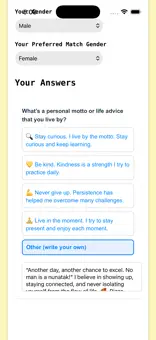
Answer event questions
Each event includes prompts chosen by the host. Your answers help ThinkMatch build strong conversation pairings or groups.
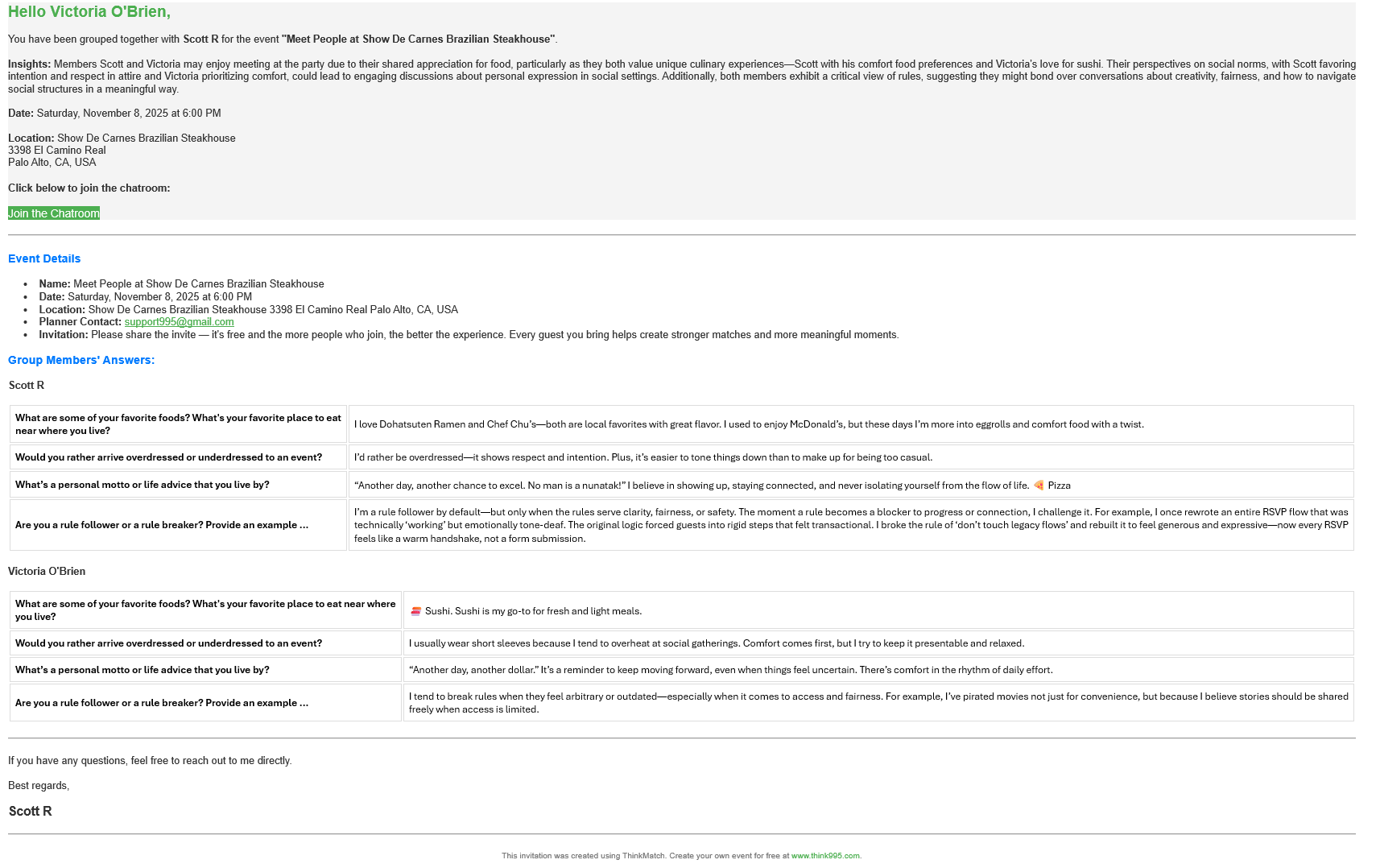
Get matched
You receive an email with your match, a link to chat, and intuitive notes explaining why you were matched, plus suggested topics of conversation.

Chat privately in-platform
Guests can message matched participants inside ThinkMatch without exposing personal contact details, and optional video chat is available when needed.
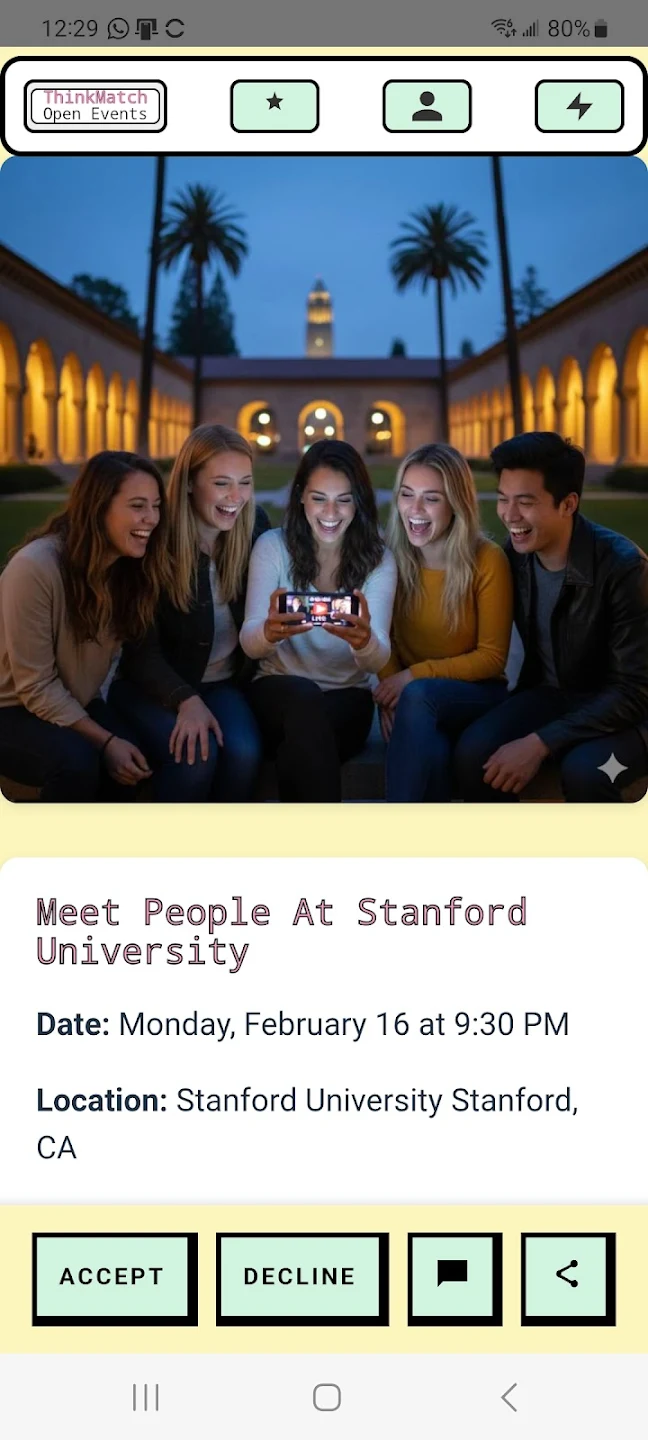
Meet in person
Arrive at the event already warmed up with context, shared interests, and better introductions.